
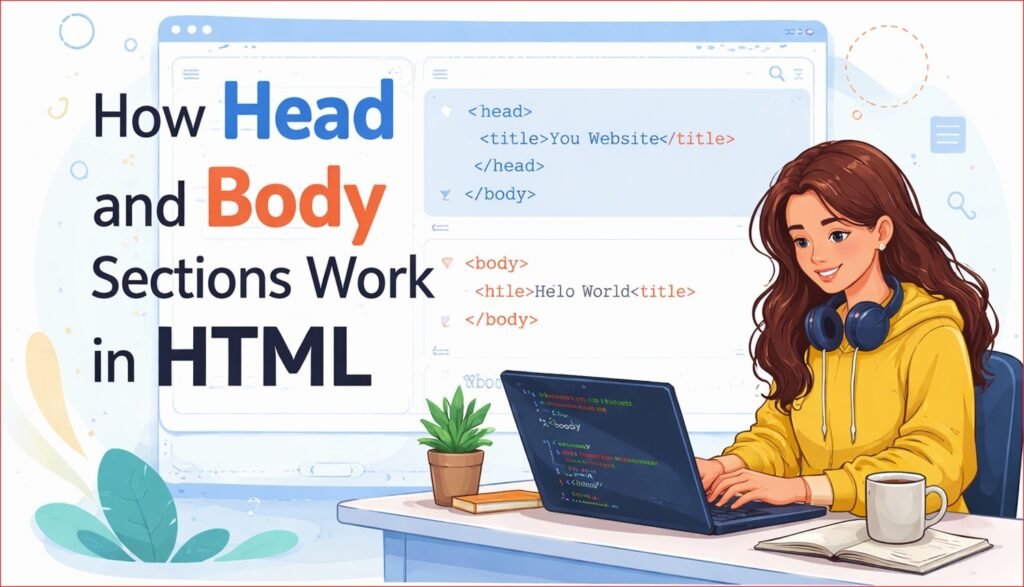

How Head and Body Sections Work in HTML is one of the most important concepts every beginner must understand while learning web development. In HTML, the <head> and <body> sections have different roles that help browsers understand how a webpage should look and behave.
The <head> section contains metadata such as the page title, meta descriptions, stylesheets, and scripts that are not directly visible on the webpage. On the other hand, the <body> section holds all the visible content like text, images, buttons, forms, and videos that users interact with.
By the end of this article, you will clearly understand:
- What the head section is
- What the body section is
- How both sections work
- What should be written inside each section
- Real HTML examples for better understanding
This explanation is written especially for beginners.
Basic Structure of an HTML Page (Quick Review)
Before going deep, let’s quickly look at a basic HTML structure.Head and Body Sections
<!DOCTYPE html>
<html>
<head>
    <title>My Web Page</title>
</head>
<body>
    <h1>Hello World</h1>
    <p>This is my first webpage.</p>
</body>
</html>
In this structure:
<head>contains information about the page<body>contains visible content
Now let’s understand both sections in detail.

What Is the Head Section in HTML?
The head section contains information about the webpage, not the content that users see on the screen.
Anything written inside the <head> tag is mainly used by:
- Web browsers
- Search engines
- Devices like mobile phones and tablets
The head section helps the browser understand how to handle the page.Head and Body Sections
Purpose of the Head Section
The head section is used to:
- Set the page title
- Define character encoding
- Control page behavior on different devices
- Provide information for search engines
- Link external resources like styles
Even though users don’t see this content directly, it is very important.
Common Elements Inside the Head Section
1. <title> Tag
<title>My Website</title>
Explanation:
- Displays the page title on the browser tab
- Helps users identify the page
- Important for SEO
The title does not appear inside the webpage content.Head and Body Sections
2. Meta Information
Meta elements provide extra information about the page.
<meta charset="UTF-8">
Explanation:
- Defines character encoding
- Ensures text displays correctly
Other meta information may help with responsiveness and description.
3. Viewport Settings
<meta name="viewport" content="width=device-width, initial-scale=1.0">
Explanation:
- Helps webpages work properly on mobile devices
- Makes the layout responsive
4. Style Information
Styles can be written or linked in the head section.
<style>
    body {
        font-family: Arial;
    }
</style>
Explanation:
- Controls how the page looks
- Affects colors, fonts, and layout
Important Point About Head Section
Nothing written inside the head section appears directly on the webpage.
The head section works behind the scenes.Head and Body Sections
What Is the Body Section in HTML?
The body section contains all the visible content of a webpage.
Anything that users can see, read, or interact with is written inside the <body> tag.
Purpose of the Body Section
The body section is used to:
- Display text and images
- Show headings and paragraphs
- Create links and buttons
- Collect user input through forms
- Display videos and lists
In simple words, the body section is the main content area.
Common Elements Inside the Body Section
1. Headings
<h1>Main Heading</h1>
<h2>Sub Heading</h2>
Used to define titles and content hierarchy.
2. Paragraphs
<p>This is a paragraph.</p>
Used for normal text content.
3. Images
<img src="image.jpg" alt="Sample Image">
Used to display images on the webpage.
4. Links
<a href="#">Click Here</a>
Used for navigation.
5. Lists
<ul>
    <li>HTML</li>
    <li>CSS</li>
</ul>
Used to organize content clearly.
6. Buttons and Forms
<button>Submit</button>
Used for user interaction.Head and Body Sections
Head Section vs Body Section (Key Difference)
| Feature | Head Section | Body Section |
|---|---|---|
| Purpose | Page information | Page content |
| Visibility | Not visible | Visible |
| Used by | Browser & search engines | Users |
| Contains | Title, meta, styles | Text, images, buttons |
| Importance | Technical setup | User experience |
How Browsers Use Head and Body Sections
When a browser loads an HTML page, it follows this order:
- Reads the DOCTYPE
- Enters the
<html>tag - Processes the
<head>section - Loads settings and information
- Displays content from the
<body>section
If the head section is missing or incorrect, the browser may still show content, but behavior can be unpredictable.
Common Beginner Mistakes
Many beginners make these mistakes:
❌ Writing visible content inside <head>
❌ Forgetting the <title> tag
❌ Putting meta tags inside <body>
❌ Mixing styles and content randomly
❌ Ignoring mobile responsiveness
Understanding roles of head and body avoids these problems.
Simple Example Showing Head and Body Roles
<!DOCTYPE html>
<html>
<head>
    <title>Learning HTML</title>
</head>
<body>
    <h1>Welcome</h1>
    <p>This content is visible to users.</p>
</body>
</html>
Explanation:
- Browser tab shows “Learning HTML”
- Page displays heading and paragraph
This shows clear separation of responsibility.
Real-Life Example to Understand Better
Think of a movie:
- Head section = movie information (name, language, duration)
- Body section = actual movie scenes
Viewers watch the movie (body), but the system needs details (head).
Why Beginners Must Understand This Concept
Understanding head and body sections helps you:
- Write correct HTML structure
- Build professional websites
- Learn CSS and JavaScript easily
- Improve SEO and performance
- Avoid common coding mistakes
This knowledge is essential before moving to advanced topics.Head and Body Sections
Best Practices for Beginners
✔️ Always include both head and body
✔️ Keep information in head section only
✔️ Write visible content in body section
✔️ Use clean and readable structure
✔️ Test your page in a browser
Final Summary
- The head section contains information about the webpage
- The body section contains visible content
- Both sections are equally important
- Head works behind the scenes, body works for users
- Proper use creates clean, professional webpages
If you master the difference and usage of head and body sections, HTML will become much easier and clearer for you.Head and Body Sections


Pingback: How to Create Your First Web Page Using HTML 6 - litecodify.com